Full local AI toolchain setup guide
Setting up Text AI locally
Follow these instructions:
Install SillyTavern https://docs.sillytavern.app/installation/windows/
Download https://huggingface.co/brittlewis12/Kunoichi-DPO-v2-7B-GGUF the file kunoichi-dpo-v2-7b.Q6_K.gguf (or Q4_K_M for 8GB VRAM)
Follow the guide to install KoboldCpp (Alias KoboldAI, though the name stands for something else) https://docs.sillytavern.app/usage/how-to-use-a-self-hosted-model/#installing-an-llm-server-oobabooga-or-koboldai it just downloads and extracts locally.
Configure KoboldCpp for text only with the following settings:
FlashAttention on
Context size from 4096 to 8192
Offloaded layers to GPU 35
Specify the kunoichi-dpo-v2-7b.Q6_K.gguf file as the model.
IMPORTANT: Save settings and load them each time because KoboldCPP forgets them every time (unless you create a shortcut that automatically loads the config).
KoboldCPP runs on 127.0.0.1:5001. The command-line window must remain open because it contains the server components; close the window to terminate. KoboldCPP comes with its own GUI, KoboldAi (you can disable starting the GUI in the browser), but we will replace it with Silly Tavern.
The text model is running, and now you can log in to Silly Tavern at 126.0.0.1:8000. KoboldCPP runs on 127.0.0.1:5001. I explain how to configure this on a separate page on my website.
Setting up Image AI locally (flux.1-dev)
Download:
https://github.com/comfyanonymous/ComfyUI/releases/latest/download/ComfyUI_windows_portable_nvidia.7z
https://huggingface.co/Comfy-Org/flux1-dev/resolve/main/flux1-dev-fp8.safetensors
https://comfyanonymous.github.io/ComfyUI_examples/flux/flux_dev_checkpoint_example.png
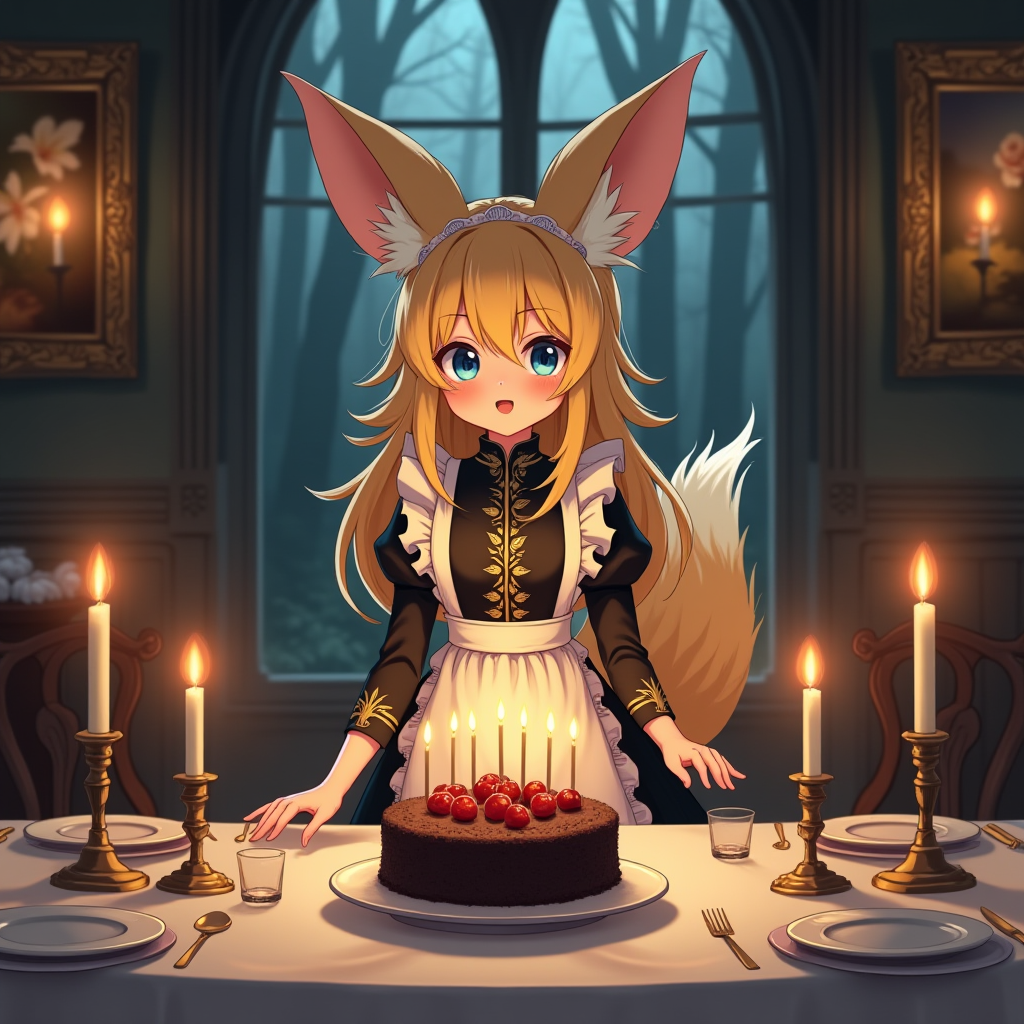
Extract into a folder not located in Windows paths, e.g., C:\ComfyUI_Flux.1-dev Copy the flux .safetensors file to ComfyUI\models\checkpoints
Start with the batch file CompyUI, which opens in the browser and displays the processing chain.
Select flux1-dev-fp8.safetensors under "Load Checkpoint".
Drag and drop the anime girl image into the browser window (yes, settings are stored in anime images by computer nerds—it was new to me too).
Function:
The top "CLIP Text Encode" is the prompt the AI should generate.
The bottom "CLIP text Encode" connected to "negative" specifies words or things that should not appear in the image.
(All inputs in English; good translator at https://www.deepl.com/de/translator)
Leave KSampler as is or increase steps from 20 to 30 for better results but longer processing time (value 20 is a good balance, 30-50 is higher quality, less than 20 causes the AI to heavily "imagine" and not follow the prompt).
Flux Guidance indicates how closely the AI should adhere to the description. The default is 3.5; you can experiment with this.
Save Image specifies where the image will be saved.
Click the large "Queue Prompt" button to start.
For Advanced Users:
Right-click -> Add Node -> Image -> Preview Image
Connect the blue Images input to the output of "VAE Decode," where "Save Image" is already connected.
Enlarge "Preview Image" at one corner.
Under "Empty latent Image," set the image size and number of generated images per run. The larger the batch_size, the longer you wait.
Sources
ComfyUI: https://github.com/comfyanonymous/ComfyUI?tab=readme-ov-file#installing
HuggingFace Flux.1-dev single File: https://huggingface.co/Comfy-Org/flux1-dev/blob/main/flux1-dev-fp8.safetensors
PS.: This is a stripped-down model because Flux requires over 32GB RAM.
Online and Free:
https://perchance.org/ai-text-to-image-generator (unrestricted)
https://huggingface.co/spaces/black-forest-labs/FLUX.1-dev same model as above but with much more power and significantly larger than local
NPC Generator https://perchance.org/ai-character-description
Roleplaying Tools:
https://perchance.org/ai-story-generator (see also links to other tools on the page like WorldBuilder / PlotGenerator)
Example for the NPC Generator:
"Her name is Luminara Nightshade she is a 250-year-old elf. She has blond curly hair, blue eyes, white teeth, muscular arms. She comes from the Town named 'Sandcastle' and lives in the land named 'Greenfall', she is a ranger as defined in Dungeons and Dragons. Her Personality is paradoxical, intelligent, empathetic, and shy."